

In this essay
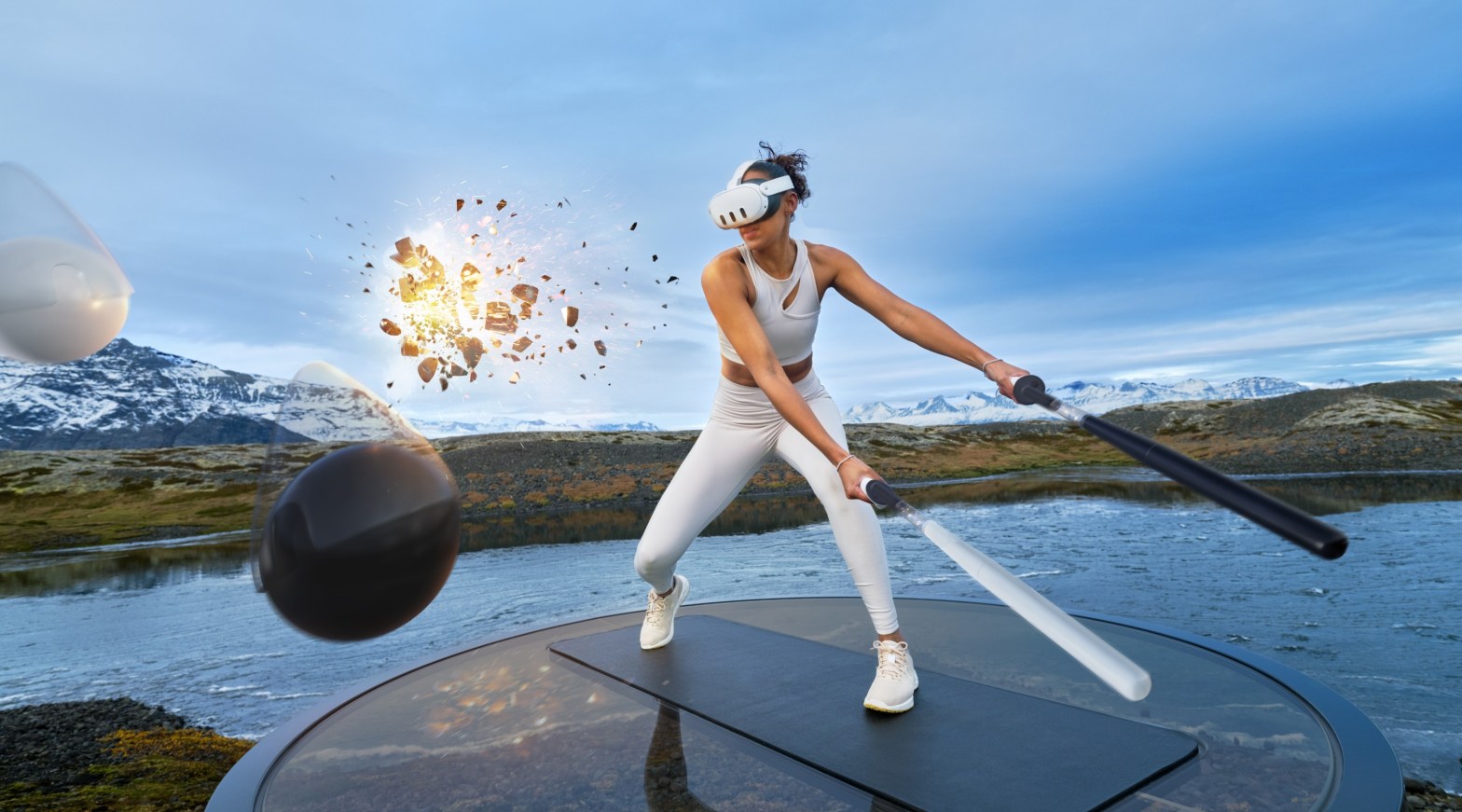
Supernatural VR workout app has it all:
- Great Cardio
- Good music
- Great views
Unfortunately, it’s not available in my country (Poland). So naturally, I had to get access to it.
Meta store blocks access based on your IP address, so it should be possible to fake my location using a VPN, right?
Install TurboVPN from the Aurora Store
Turbo VPN is a free VPN that consistently works for me, but it’s not the only one that can work with this.
Here is how to install Aurora Store and other alternative apps on your Oculus.
Connect to VPN
Now you can connect to a VPN – make sure you choose a US location
Search for supernatural in the Meta Quest store
Once you connect to the VPN, supernatural shows up in your store, and you can select and buy it. You will have to give your credit card details, but you will have a free trial before they charge you.
Launch Supernatural
Disconnect the VPN after choosing the workout
Supernatural seems to be only checking your connection status on the Home Screen. After you choose a workout and it starts to load, you can disconnect the VPN (because the VPN connection is obviously going to make your workout load forever)
Kick Ass
Supernatural has some sweet workouts!
Leave a Reply